So You Want to Use a Video in Class?
Try the BACK Protocol for Purposeful Planning
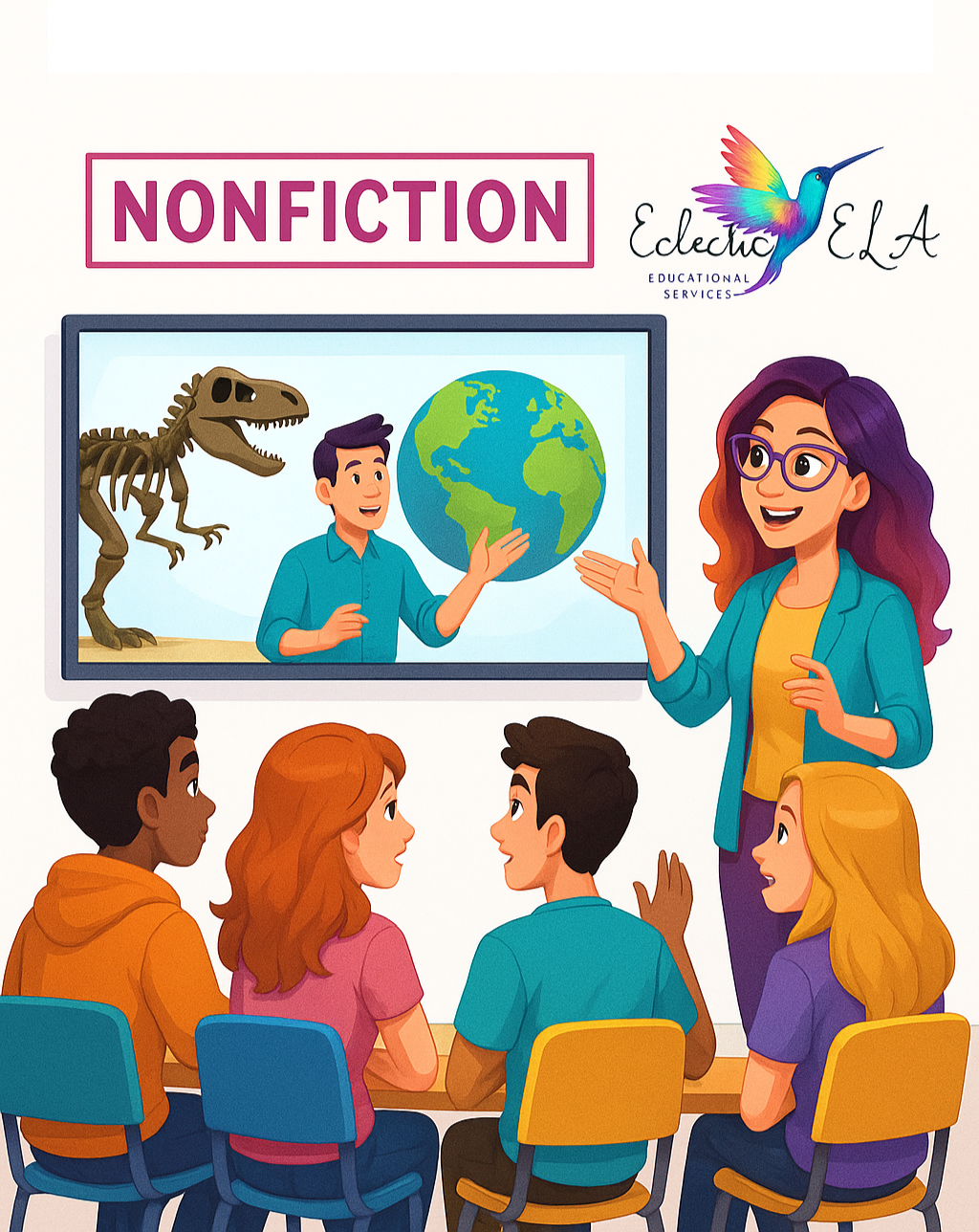
So you want to use a video in class—but you don’t want it to feel like filler. Maybe you’ve found a powerful clip, a mini-documentary, or a short segment from YouTube or PBS, and you’re thinking, “This would be perfect for my lesson.”
But here’s the thing: showing a video isn’t the same as teaching with it. Without a plan, even the best content can fall flat.
That’s where the BACK Protocol comes in—a flexible planning tool designed specifically for using videos and nonfiction texts in the ELA classroom. Whether you’re teaching high school English or middle school literacy, this strategy helps you build engagement, promote critical thinking, and keep your instruction aligned to standards.
Why It Matters
In the rush to plan, it’s easy to start with the resource instead of the reason. But if we want students to do more than passively read or watch, we need to reverse that thinking. As John Hattie reminds us:
“Effective teachers begin with clarity about what students are to learn.” (Visible Learning, 2009)
The BACK Protocol helps teachers work backwards from what matters most—the big idea—and align everything else (content, questions, vocab) around it. Think of it as a focused way to plan for student thinking, not just student work.
Here’s How It Works:
The BACK Protocol: A Framework for Planning with Intention
B.A.C.K. = Begin with the Big Idea • Analyze the Core Content • Create Questions • Know the Vocab
Use this as your step-by-step process for planning a lesson using a video or nonfiction text:
B – Begin with the Big Idea
What concept, skill, or theme do you want students to better understand after watching this video or reading this article?
✍️ Action Step:
Write it out as a student-friendly learning objective.
Example: “This video will help students understand how water scarcity impacts communities differently.”
A – Analyze the Core Content
Preview the text or video carefully. What 3–5 essential points do students need to take away?
Consider:
- What are the most important moments or ideas?
- What might students miss or misunderstand?
✍️ Action Step:
List out your core points.
These should directly connect back to your big idea.
“We retain new knowledge best when it is meaningfully connected to prior knowledge.”
— Robert Marzano, Classroom Instruction That Works (2001)
C – Create Questions for Meaning-Making
Design questions that will guide students to uncover the key points. Then, decide how they’ll respond.
✍️ Action Steps:
- Write your guiding questions AND create a personal answer key to reference during class.
- Choose a response format for each question:
- Will this be a worksheet you collect?
- A Turn and Talk?
- A class or Canvas discussion?
- A note catcher you’ve already created?
👀 Pro Tip: The format should match the purpose. Quick checks need quick formats. Big ideas deserve deeper writing or discussion.
K – Know the Vocabulary
Which Tier 2 and Tier 3 words will students need to understand this content fully?
✍️ Action Steps:
- Add a section for key vocabulary on your existing note catcher
- OR use one of these simple strategies:
- Students add words to their notebooks or class word walls
- Use them in a bell-ringer or warm-up the next day
- Have students create Frayer model flashcards
Vocabulary doesn’t have to be a separate lesson. Go ahead and integrate it into what students are already doing.
A Real Classroom Snapshot
When I coached a teacher using this protocol, we chose a short video about access to clean water. The Big Idea was: Systems affect people unequally. We pulled three core takeaways, built questions to unpack them, and front-loaded words like “infrastructure” and “equity.” The discussion and written responses that followed were some of the most thoughtful we’d seen all year.
This approach works whether you’re showing a short YouTube video, a TED Talk, a mini-lesson, or a documentary clip.
SO,
Try the BACK Protocol This Week:
If you’re wondering how to plan a lesson using a video, the BACK Protocol can help you:
- Choose a short text or video after you’ve clarified your Big Idea
- Use guiding questions to engage students in critical thinking
- Identify key vocabulary to make the resource accessible
- Create a standards-aligned, student-centered learning experience
Want the printable?
Using videos in the classroom doesn’t have to mean pressing play and hoping for the best. With the BACK Protocol, every clip, article, and anchor text becomes a launchpad for deep, intentional learning.
Stay tuned tomorrow as we finalize the printable planning tool and add visuals to help you bring the BACK Protocol to life in your classroom!